Offshore Fixture Workflow Demo
From enquiry to recap, the broker's workflow made legible.
ManuMu Offshore models the full SUPPLYTIME fixture cycle — vessel matching, subject-lift gating, weather evidence, and recap generation — on a seeded North Sea fleet.
Key metrics
- 22Domain API endpoints
- 264Unit tests
- 4E2E specs
- North SeaSeeded vessel fleet
- Open-MeteoLive weather evidence
The demo workflow
What ManuMu Offshore models
Four real capabilities — each backed by a public route or API you can explore now.
Capture + Match
Requirement capture with weighted vessel shortlists
Enter a charterer requirement — duration, cargo type, laycan, and geography. FixtureMatcher scores every seeded vessel against hard filters and weighted criteria, returning a ranked shortlist in milliseconds.
Browse requirementsRegional Map
North Sea fleet positions at a glance
Seeded vessel positions are rendered on a Leaflet map with provenance labels so it is always clear which data is synthetic and which is live. Port nodes and vessel tracks reflect the modelled UKCS and Norwegian sectors.
Open mapFixture Lifecycle
Enforced status transitions with subject-lift gating
Fixtures move through ENQUIRY → NEGOTIATING → ON_SUBS → FIXED. Subject items — laycan confirmation, weather window, commercial approval — must be lifted or waived before a fixture can be fixed. The gate is enforced at the API layer.
View requirementsWeather + Recap
Marine weather evidence and SUPPLYTIME 2017 recap
Open-Meteo wave and wind data is fetched, evaluated against workability thresholds, and persisted as timestamped evidence. On fixture close, ManuMu Offshore generates a deterministic SUPPLYTIME 2017 recap from structured terms.
Explore requirements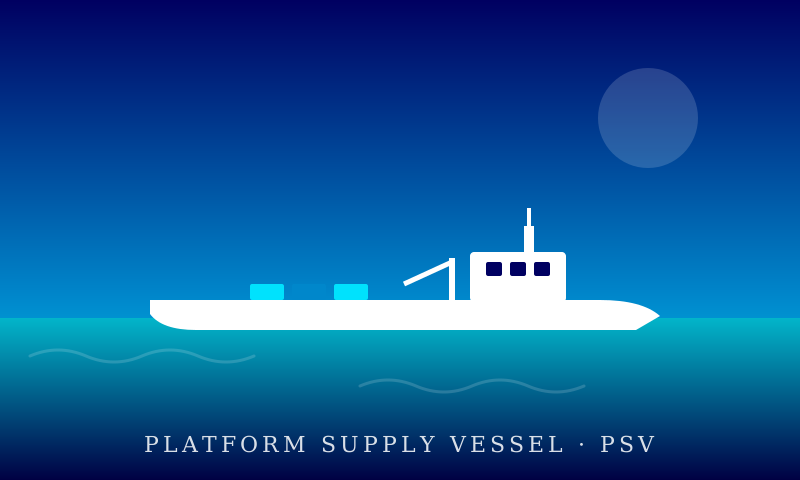
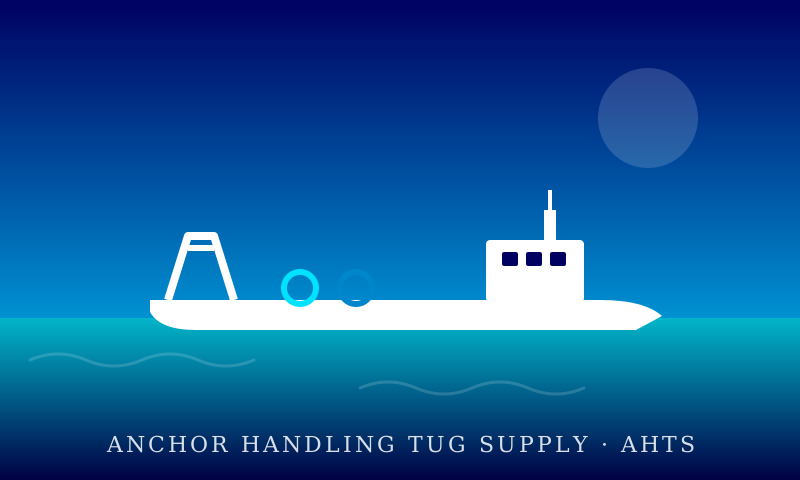
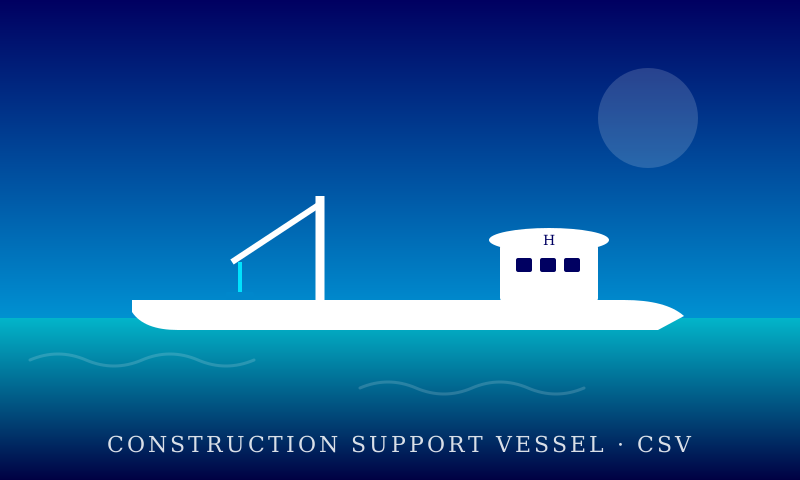
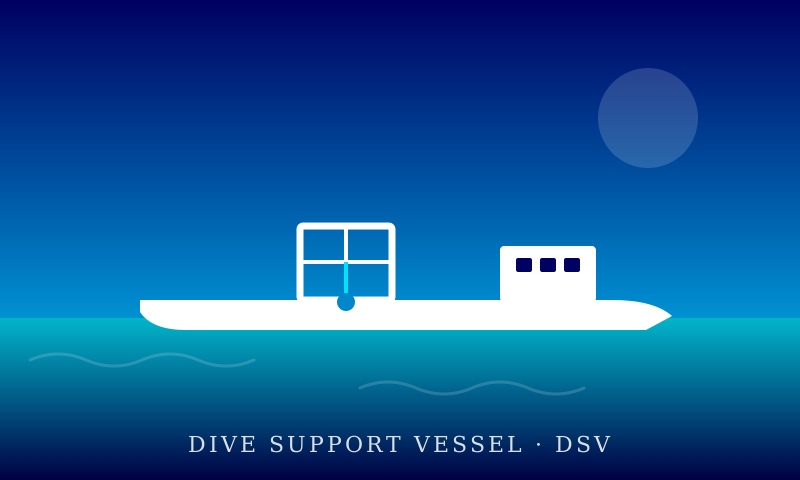
How it works
- Capture
Log the charterer and requirement
Record the client company and their offshore requirement: vessel type, duration, cargo category, laycan window, and operational area.
- Match
Score and shortlist vessels
FixtureMatcher applies hard eligibility filters then ranks remaining vessels by weighted criteria. The broker receives a scored shortlist with match rationale.
- Fix
Work the fixture to completion
Create a fixture from a shortlisted vessel, negotiate terms, lift subjects, confirm weather windows, and advance the fixture through each lifecycle stage.
- Recap
Generate the SUPPLYTIME 2017 recap
Once a fixture is fixed, ManuMu Offshore generates a structured recap from the agreed terms — vessel, laycan, duration, rate, and special conditions — in SUPPLYTIME 2017 format.
Built with
- Next.js 15
- TypeScript strict
- Prisma 6
- PostgreSQL / Neon
- Zod
- Leaflet
- Open-Meteo
- Playwright
- Vercel